
The Best eSIM for Saudi Arabia: Plans, Prices and Networks for Umrah, Riyadh and Jeddah
Published on October 21, 2026 · 3 min read
Umrah in Makkah and the days in Madinah, business in Riyadh, a weekend in Jeddah's old town or the rock tombs of AlUla: whatever brings you to Saudi Arabia, the trip runs through your phone. The Nusuk app for permits, ride-hailing instead of haggling for a taxi, maps around the Haram, and the family group chat that wants a photo from the courtyard.
This is what a Saudi Arabia eSIM from Lyntel costs, which networks it uses and which plan fits your trip. Prices are as of October 2026 and start from $4.
Which networks does the eSIM use?
The eSIM connects to Zain and Mobily, two of the Kingdom's three national networks, and picks the stronger signal wherever you are. Both cover Makkah, Madinah, Riyadh, Jeddah, the airports and the highways between them. Nothing to configure: the phone chooses.
Plans and who each one is for
| Plan | Validity | Price | Good for |
|---|---|---|---|
| 1 GB | 7 days | $4 | A short Umrah: Nusuk, maps, messaging, a few photos |
| 2 GB | 15 days | $5 | Two weeks of navigation, email and social media |
| 3 GB | 30 days | $6 | A month at the pace of messaging and the occasional video |
| 5 GB | 30 days | $8.50 | Social media and photos every day, a little streaming |
| 10 GB | 30 days | $13 | Video calls home every evening, working on the move |
| 20 GB | 30 days | $18.50 | HD streaming, big uploads, a month of remote work |
| 50 GB | 30 days | $40 | A long stay, sharing with the family over hotspot |
The step from 5 GB to 10 GB is $4.50; if you are unsure, take the 10 GB.
How much data do you actually need?
- Maps and messaging: 1 GB a week.
- Social media, a few videos a day: 2 to 3 GB a week.
- Video calls home every evening, streaming: 5 to 10 GB a week.
- Working from the trip: 20 GB and above.
Good to know, especially for Umrah
- Install before you fly. You land connected instead of queuing at an airport SIM counter. At peak times around the Haram every network is busy, whatever SIM you carry.
- Calls and SMS. The plans are data only. Calls and messages over WhatsApp and similar apps work as they do at home, and your own SIM stays in the phone for regular calls.
- Hotspot works, so one plan can feed a second phone or a tablet in the group.
- Longer stays. If the trip runs on, buy another plan in the app; where the plan allows it, it is added to the same eSIM.
How activation works
- Buy the plan on lyntel.io or in the Lyntel app.
- Install the eSIM from the email: scan the QR code, or one tap on iOS and Android.
- Turn on data roaming for the Lyntel line when you land in Jeddah, Madinah or Riyadh. The validity starts at the first connection, so install it at home and let it wait.
Almost every phone from the last five years supports eSIM; check yours on the supported devices list.
Saudi Arabia as part of a longer trip
Flying on to Dubai, Doha or Cairo? Saudi Arabia is not in our Middle East regional plan, so the simplest setup is this eSIM for the Kingdom plus a UAE, Qatar or Egypt eSIM for the next stop — install both before you fly and switch on each as you arrive.
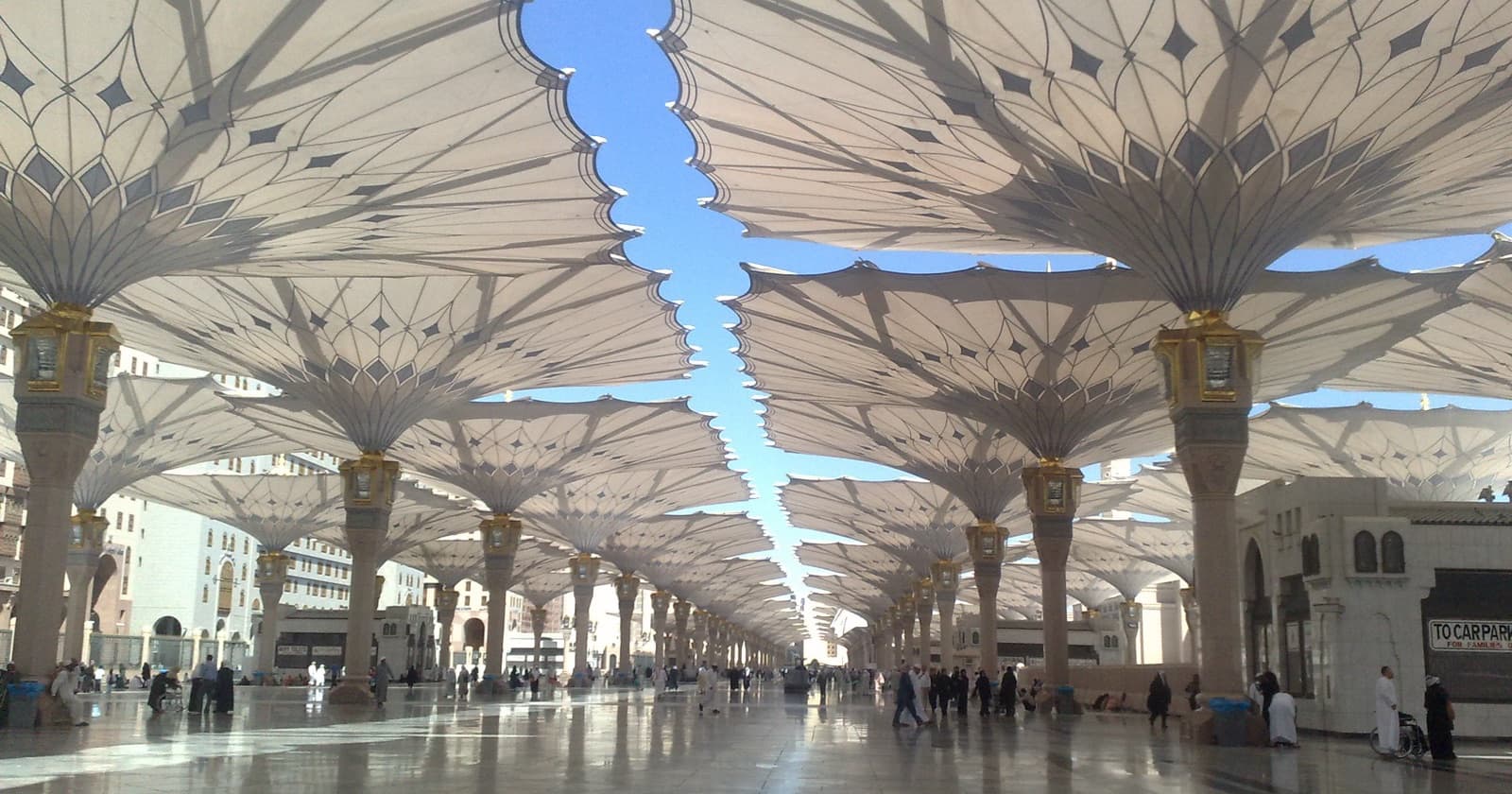
Cover photo: Najamuddin Shahwani, Wikimedia Commons, CC BY 3.0, cropped.
